

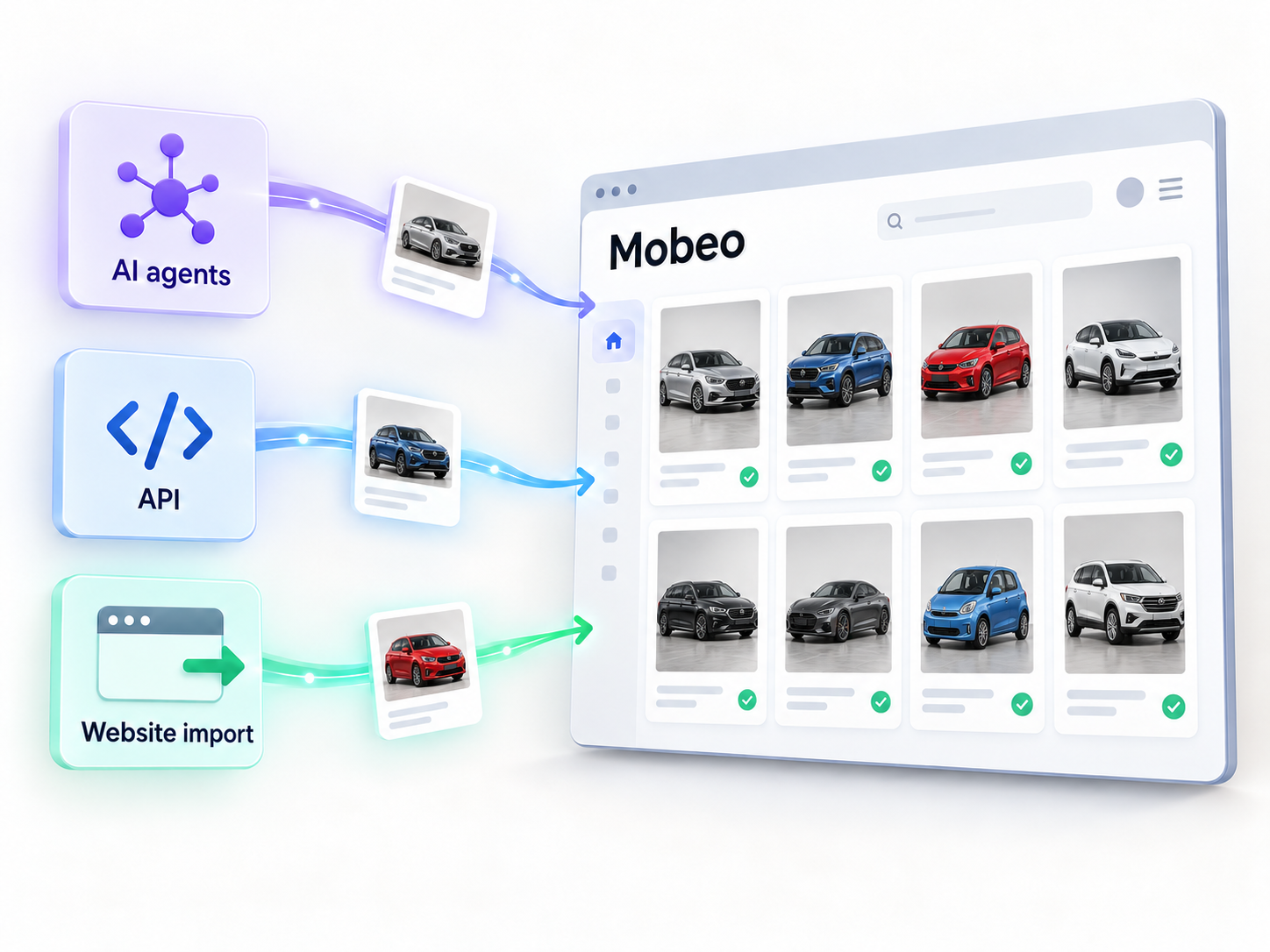
Automate your Mobeo listings: AI agents, API and website import
If you sell more than a car or two, typing every advert by hand gets old fast. Mobeo now has three ways to automate your listings, all under your control, all free with your account.
1. Let an AI agent manage your adverts
Any AI assistant or tool that can call a web API (Claude, ChatGPT, Zapier, Make, your dealer management system, or a script of your own) can post vehicles, update prices, add photos and keep your stock in sync on Mobeo. It only ever touches your own adverts.
- Create a key. Sign in and open Profile → API Keys & AI Agents. Name the key after the agent that will use it. The full key is shown once, so copy it straight away.
- Give it to your agent. Store the key in the agent's credential settings and point it at https://www.mobeo.co.uk/llms.txt, a plain-text page that explains the API in the form agents read best.
- Check the connection. Ask the agent to verify the key. A working connection returns your account email.
A prompt that works well: "Here is my Mobeo API key. Read https://www.mobeo.co.uk/llms.txt, confirm the connection, then list my live adverts and tell me which have fewer than three photos."
Developers will find the full reference at API documentation. Adverts from dealer accounts go live immediately, subject to the same screening as the website; adverts from private accounts are checked by our team first. Revoking a key stops the agent at once.
2. Import your stock from your own website
Already have your vehicles on your dealership website? Open Profile → Import from Website, enter your web address and we do the rest: we read your stock pages, pull out each vehicle's details and photos, and draft adverts for you to check. You review the drafts, fix anything that needs it, and publish the ones you want. Nothing goes live without your say-so. The same import can be started by an agent through the API.
3. Keep stock in sync automatically
Send us your whole stock list through the API, as often as you like. We create adverts for new vehicles, update the ones that changed, and take down the ones that are gone. A dry-run mode previews what would change before anything happens, which makes a nightly sync from a spreadsheet or DMS safe to set up.
Verified phone numbers
Buyers want to know they are talking to a real seller. Every advert now shows whether the seller's phone number is verified. To verify yours, go to Profile → Verification: click Verify by calling and phone the number shown from your own phone. It is a free call: nobody answers and there is no one to talk to, the call drops after a ring and we verify your number automatically within seconds. Mobiles and landlines both work, as long as your caller ID is not withheld. Dealers whose number appears on their own website are verified automatically when their site is imported.
Limits and safeguards
- 300 requests an hour per key, 100 new adverts and 1,200 photos a day per account.
- Every advert needs a description of at least 40 words, the same as on the website.
- Use one key per agent, keep keys private, and revoke any key that may have been exposed.
- Adverts posted by an agent fall under the same terms and conditions as adverts posted by hand, so the content must be accurate.
Ready to try it? Start at Mobeo AI Agents.